

How-to · 3 min
Migration by endpoint swap: from AWS S3 to chili
Moving between S3-compatible services is not a project but a configuration change. What you swap and what to watch for.
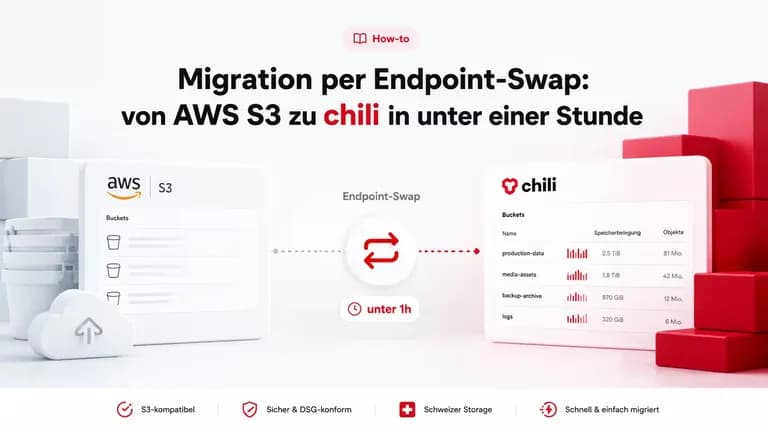
"Migration" appears on plenty of project plans as its own milestone, with a budget, a risk log and a buffer. For S3-compatible storage that is overkill. Moving from AWS S3 or another S3 service to chili touches the connection, not the application.
Two lines of configuration
chili speaks the native S3 API. Whatever your applications, SDKs and tools expect in signing logic and operations is there unchanged. In practice you swap two values: the endpoint URL and the key pair. The code above that stays as it is, whether it is a finished backup tool or a hand-written upload routine.
Moving the existing data
A sync tool handles the objects you already store. rclone or the aws CLI with the endpoint set copy in parallel and verify every transfer by checksum. The transfer itself needs nothing more.
One item belongs in the budget: the egress fee falls to the provider you are leaving. You pay one last time to reach your own data. The ingress into chili carries no fee, and from then on chili charges no egress fees for retrieving your data (fair-use rule).
Switching over while running
For the cut itself a two-step approach has proven itself: first sync the bulk, then just before the switch sync only the delta that appeared since. If you cannot afford any interruption, write to both targets during a transition window and switch once they match. The moment of the switch is then a changed configuration line, not a deployment.
What does not follow on its own
Not everything travels with the objects. Object Lock and versioning are settings of the target bucket and have to be set there anew. While you are at it, check the lifecycle rules, the threshold at which your tools switch to multipart uploads, and whether they expect path-style or virtual-hosted-style addressing. A trial run with a small bucket surfaces those details before the large volumes run.
The best test is your own
After the swap nothing changes for your applications except the address they write to. The objects then sit in Zurich, optionally geo-redundant across Zurich and Geneva. chili charges no egress fees for retrieving stored data; retrieving the stored data volume once per month is included (fair-use rule). The price starts at CHF 16.00 per terabyte per month on pay-as-you-go and falls to CHF 6.90 with Reserved Capacity (RCS5, 5 years, from 1'000 TB). No egress line to throw off the cost planning.
The fastest way to be convinced is to run it yourself. The free trial provides 1 terabyte for 20 days, with no sales call; a credit card is required. Create a test bucket, point the endpoint at it, copy a few objects across and check the checksums. The run-through shows you first-hand how much effort the production move takes.